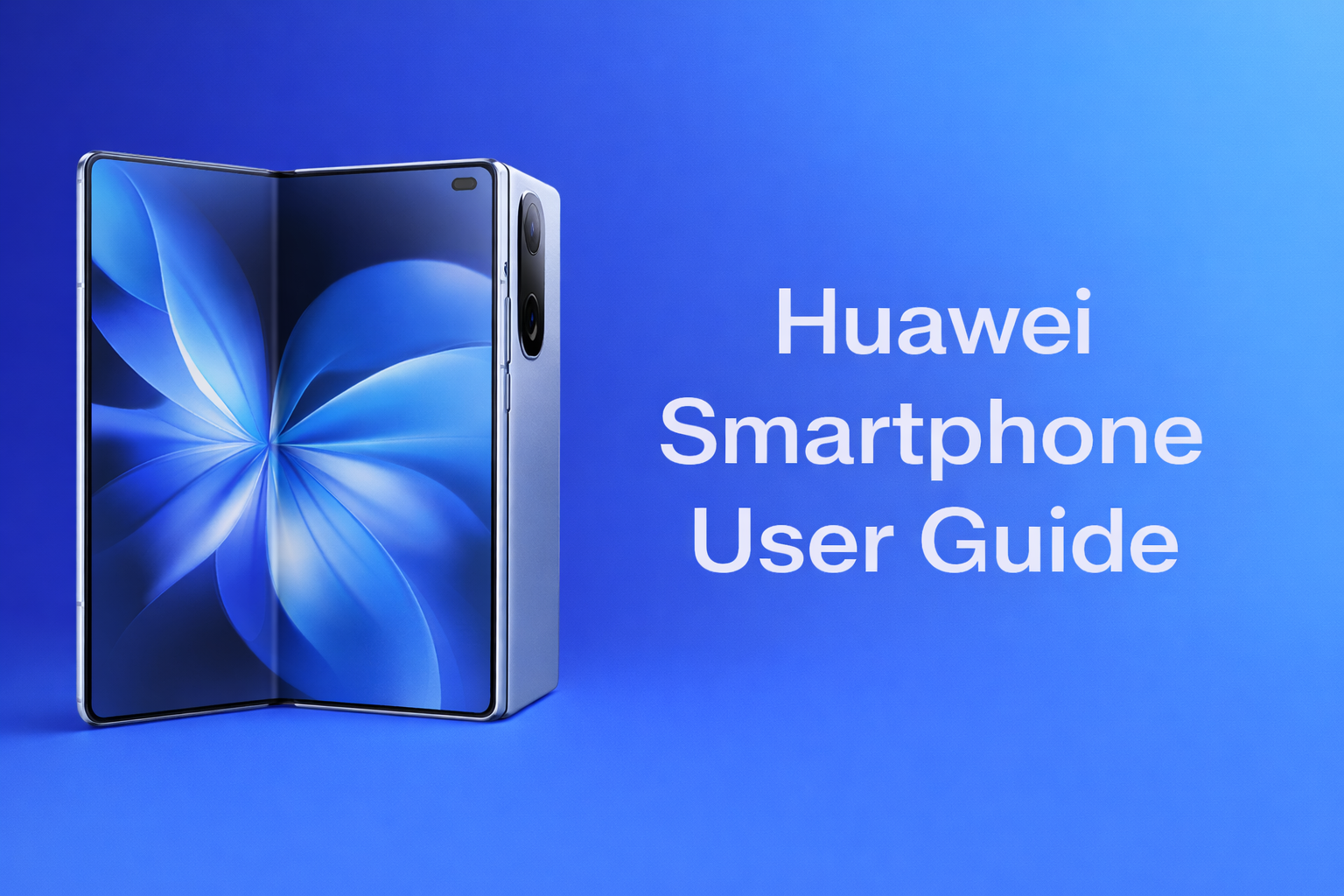
Huawei Smartphone User Guide (Applicable to most Huawei smartphone models)?
1. Getting Started
Before using this device, ensure that the SIM card is properly installed and the device is in good condition.
For first-time use, follow the on-screen instructions to complete the initial setup.
-
Power On: Press and hold the Power button until the screen turns on.
-
Power Off: Press and hold the Power button, then select Power off from the menu.
-
Restart: Select Restart from the power menu.
When turning on the device for the first time, follow the instructions to complete the setup:
-
Select system language
-
Connect to a Wi-Fi network or mobile data
-
Sign in or create a Huawei ID
-
Set up a screen lock (fingerprint, face recognition, or password)
-
Swipe up to view all applications
-
Swipe left or right to switch between home screens
-
Swipe down to access notifications and quick settings
-
Press and hold an app icon to move or uninstall it
-
Open the Phone app, enter the phone number, and make a call
-
Open the Messages app to create and send SMS or multimedia messages
-
Wi-Fi: Settings → WLAN → Select a network → Enter password
-
Mobile Data: Settings → Mobile Network → Enable mobile data
-
Download applications from AppGallery
-
Manage app permissions, notifications, and storage in Settings
-
Open the Camera app to take photos or record videos
-
Switch between Photo, Video, Night, and other available modes as needed
-
Use the original or certified charger and cable
-
Check battery status and power-saving options in Settings → Battery
-
Avoid prolonged overcharging or extreme battery depletion
To ensure optimal performance and security, keep the system updated.
Path: Settings → System & Updates → Software Update
-
Enable fingerprint or face recognition to protect personal data
-
Manage application access permissions under Privacy settings
-
Activate Find Device to help locate your phone if it is lost
Do not disassemble, modify, or repair the device by yourself.
If any malfunction occurs, please contact official customer support or an authorized service center.
This user guide is provided for general reference only.
Actual features and functions may vary depending on the device model and system version.